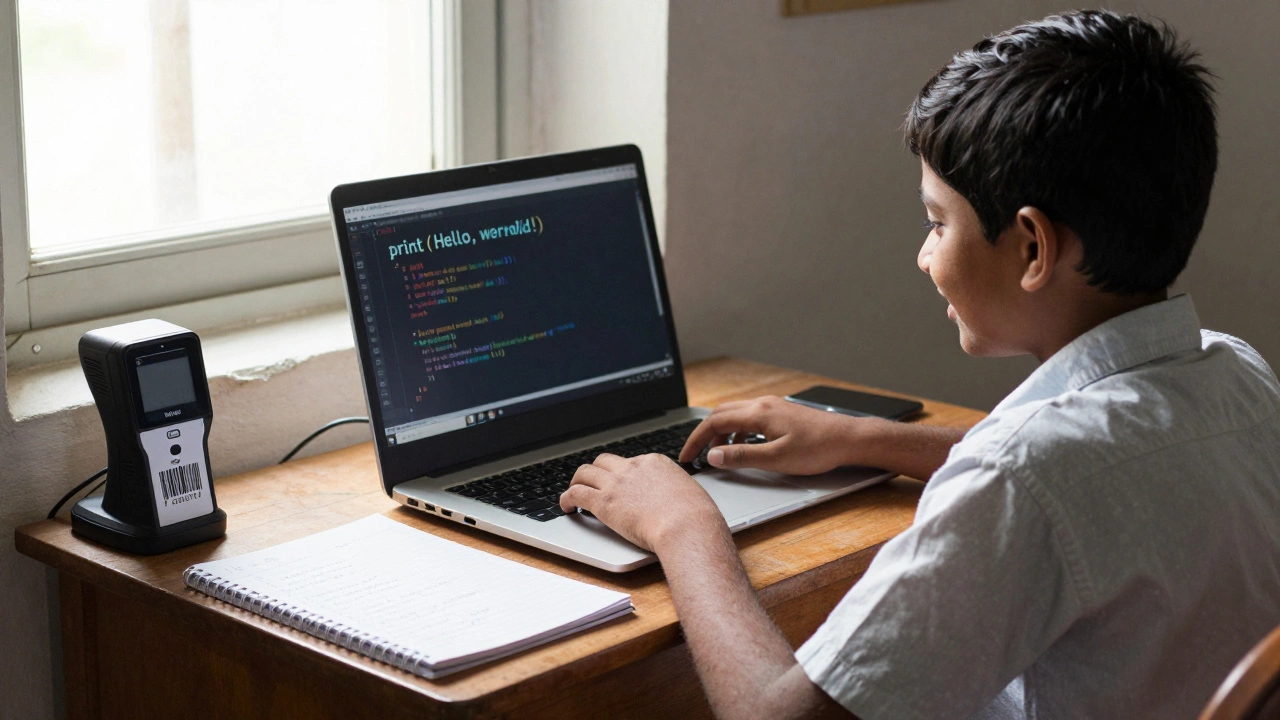
Starting to code can feel overwhelming. There are so many languages, tools, and paths that it’s easy to pick the wrong one-and then quit before you even get started. The good news? You don’t need to master every language. You just need to pick the right one to begin with. In 2026, the best coding language for beginners isn’t about being the most powerful or the most popular. It’s about being the easiest to understand, the most forgiving when you make mistakes, and the most useful right out of the gate.
Python is still the top choice for beginners
Python has held the number one spot for beginners for over a decade, and for good reason. It reads like plain English. Instead of writing complex symbols and brackets, you write simple lines like print("Hello, world!"). There’s no need to declare variable types, manage memory, or worry about semicolons. That means less time debugging syntax and more time learning how to think like a programmer.
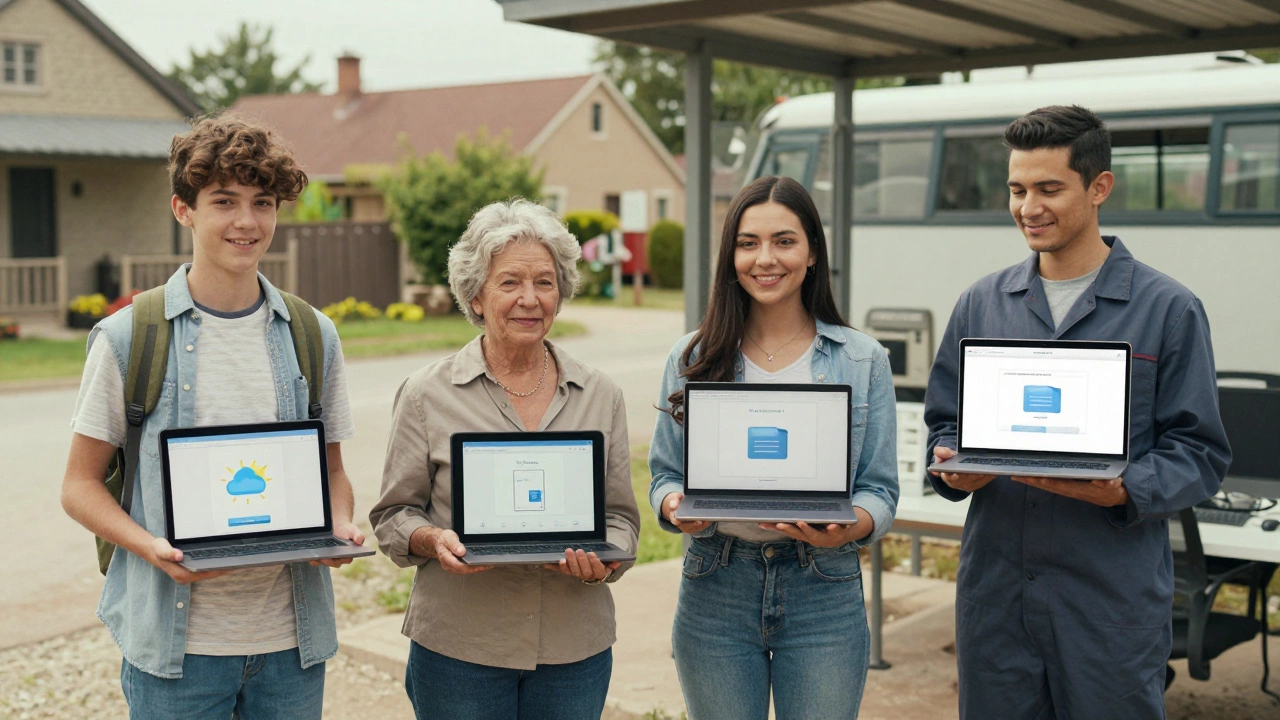
Real-world examples show why this matters. A 14-year-old student in Mumbai built a simple app that reminds her parents to take their medicine using just Python and a free online tool. A 22-year-old in Lagos learned Python in three months and landed a remote data entry job that pays more than his local office job. These aren’t outliers-they’re common outcomes for people who start with Python.
Python isn’t just for beginners. It’s used by NASA, Google, Netflix, and banks to run their systems. That means when you’re ready to move beyond basics, you’re not starting over. You’re building on what you already know.
Why other languages aren’t ideal for first-timers
Some people recommend JavaScript because "everything on the web uses it." But JavaScript has quirks that confuse new learners. For example, 5 + "2" gives you "52" instead of 7. That’s not a bug-it’s how the language works. But when you’re just starting, it feels like the computer is lying to you.
Java is often taught in colleges because it’s "strict" and "structured." But that strictness becomes a barrier. You have to write ten lines just to print "Hello, world!" You need to understand classes, objects, and public static void main before you can do anything. That’s like learning to drive a race car before you learn to ride a bicycle.
C++ is even harder. It gives you total control over your computer’s memory-but that means one small mistake can crash your program or corrupt your whole system. It’s powerful, but not beginner-friendly. You’ll spend more time fixing crashes than writing code.
What you can actually build with Python as a beginner
With Python, you can start creating real things within days:
- A calculator that solves math problems you type in
- A to-do list app that saves your tasks to a file
- A weather checker that pulls data from the internet
- A simple game like Tic-Tac-Toe or a number-guessing game
- A script that automatically renames 100 photos in a folder
These aren’t toy projects. They’re functional tools you can use every day. And each one teaches you something valuable: how to store data, how to handle user input, how to work with files, how to use libraries, and how to fix errors when things go wrong.
One student in rural India used Python to automate his family’s small grocery shop inventory. Instead of writing everything down by hand, he wrote a script that scanned barcodes and updated stock numbers. He didn’t need a computer science degree. He just needed to learn how to write a few lines of code.
Learning resources that actually work for beginners
Not all coding courses are created equal. Some teach you syntax but not how to think. Others overwhelm you with theory before you’ve written your first line.
Here are the most effective resources for beginners in 2026:
- Codecademy’s free Python course-interactive, bite-sized lessons with instant feedback
- Automate the Boring Stuff with Python (free online book)-teaches coding through real tasks like organizing files and filling out forms
- freeCodeCamp’s Python certification-project-based, no fluff, builds a portfolio
- YouTube channels like Corey Schafer and CS Dojo-clear, calm explanations without hype
The key? Pick one resource and stick with it. Don’t jump between five different courses. Mastery comes from repetition, not variety.
What to expect in the first 30 days
If you spend 30 minutes a day learning Python, here’s what you’ll likely achieve:
- Day 1-5: Understand variables, print statements, and basic math operations
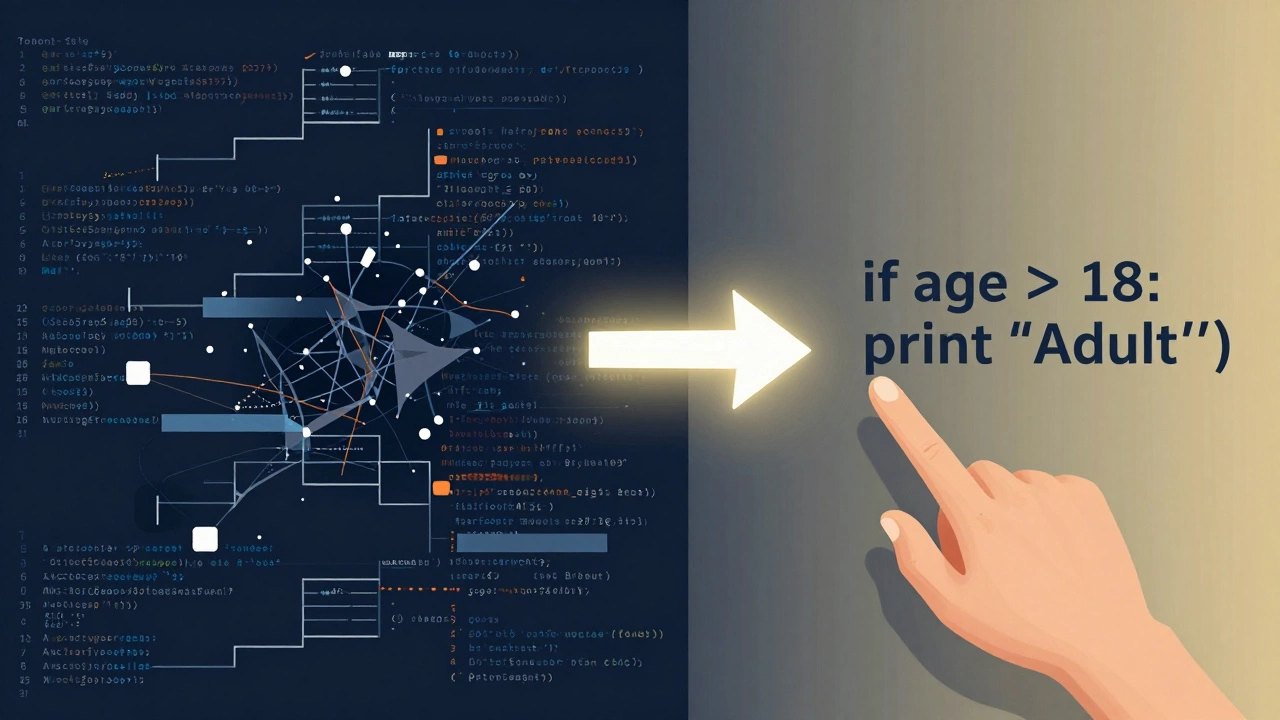
- Day 6-10: Use if/else statements to make decisions in your code
- Day 11-15: Write loops to repeat tasks automatically
- Day 16-20: Store data in lists and dictionaries
- Day 21-25: Create your first function
- Day 26-30: Build a small project-like a quiz game or a personal budget tracker
By day 30, you’ll have written over 500 lines of code. You’ll have solved real problems. And you’ll have the confidence to keep going.
Common mistakes beginners make-and how to avoid them
Most people who quit coding do it before they hit their first win. Here’s what trips them up:
- Trying to learn too much at once-Focus on Python first. Don’t jump into HTML, CSS, or databases yet.
- Waiting to feel "ready"-You’ll never feel ready. Start with what you know, even if it’s just one line.
- Copying code without understanding it-Type everything out. Even if it takes longer, you’ll remember it.
- Getting stuck on errors-Error messages look scary, but they’re your best friend. Read them slowly. Google the exact message. Most errors have been solved before.
- Comparing yourself to others-Some people learn faster. That doesn’t mean you’re behind. Progress isn’t a race.
What comes after Python?
Once you’re comfortable with Python, you’ll naturally start asking: "What’s next?"
You might move into:
- Data analysis with Pandas and Excel-like tools
- Web development using Flask or Django
- Automation for work tasks like sending emails or filling forms
- Artificial intelligence with simple machine learning models
None of these require you to start over. They all build on Python. That’s the real advantage of starting here.
Final advice: Start small, stay consistent
You don’t need to become a software engineer to benefit from coding. You just need to understand how computers think. Python gives you that power without the noise.
Start today. Write one line of code. Run it. See it work. That moment-when your command prints something on the screen-is the moment you become a coder. Not when you finish a course. Not when you land a job. Right then.
The best coding language for beginners isn’t the one with the most features. It’s the one that lets you feel like you can do it. Python does that better than any other.
Is Python really the best for absolute beginners with no tech background?
Yes. Python’s syntax is designed to be readable and intuitive. It doesn’t require memorizing complex rules like semicolons or curly braces. People with no prior experience-students, stay-at-home parents, retirees-have successfully learned Python and built real projects in under three months. The language is forgiving, which reduces frustration and builds confidence.
Can I learn Python without a computer science degree?
Absolutely. Most professional coders today didn’t study computer science. Many learned through free online courses, bootcamps, or self-study. Python is used in fields like marketing, finance, healthcare, and education-not just tech. You don’t need a degree to use it. You just need curiosity and consistent practice.
How long does it take to get hired after learning Python?
It depends on your goal. For entry-level roles like data entry, automation assistant, or junior analyst, you can be job-ready in 3-6 months with consistent practice. For software engineering roles, it typically takes 6-12 months. The key isn’t just learning syntax-it’s building a portfolio of projects that show you can solve real problems.
Is Python enough to get a job in 2026?
Python alone can get you into many jobs, especially in data, automation, and web development. But most roles require you to combine it with other tools. For example, a data analyst uses Python with Excel, SQL, and visualization tools like Tableau. A web developer uses Python with HTML, CSS, and a framework like Django. Focus on Python first, then add skills as you go.
What if I get stuck and can’t fix an error?
Every coder gets stuck. The difference between beginners and experienced coders is how they handle it. Don’t panic. Copy the exact error message and paste it into Google. You’ll almost always find a Stack Overflow thread or tutorial that explains it. Read the top answer slowly. Try the fix. If it doesn’t work, try another. Persistence beats talent in coding.