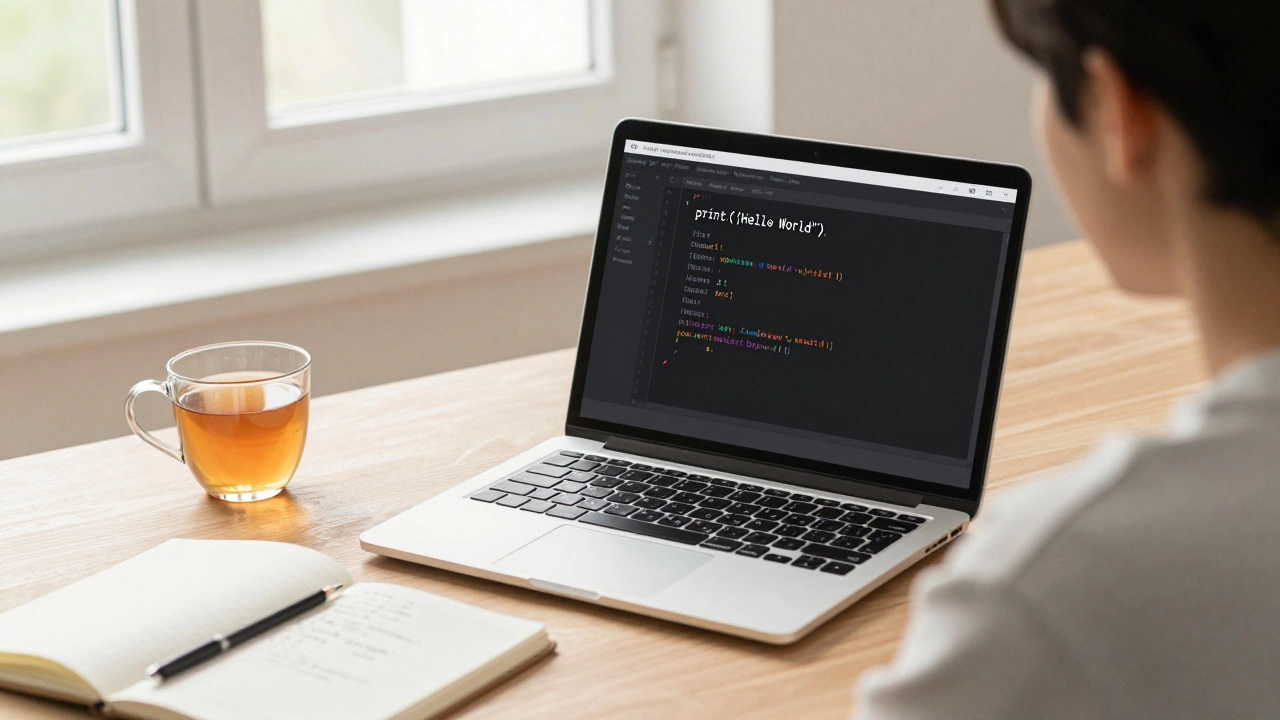
Want to start coding but don’t know where to begin? You’re not alone. Millions of people every year pick up programming with zero experience-and end up building apps, websites, or even landing tech jobs. The trick isn’t being a genius. It’s starting smart.
Choose a language that actually helps you get results
There are hundreds of programming languages, but you don’t need to learn them all. Start with one that’s easy to pick up and widely used. For beginners, Python is the best place to begin. It reads like plain English, has a gentle learning curve, and powers everything from websites to AI tools. Companies like Google, Instagram, and NASA use it. If you want to build websites, JavaScript is the next best choice. If you’re drawn to mobile apps, Swift (for iPhone) or Kotlin (for Android) work well-but start with Python first.
Don’t waste time comparing languages endlessly. Pick one. Learn it. Build something. Then move on.
Set up your environment in under 10 minutes
You don’t need fancy gear or expensive software. A regular laptop or even a Chromebook will do. For Python, go to python.org and download the latest version. Install it. That’s it. No need to touch the command line yet.
For coding practice, use free tools like Replit or Thonny. Replit runs in your browser-you write code and hit run without installing anything. Thonny is a simple desktop app made just for beginners. Both show you what your code does right away. No confusing error messages. No setup headaches.
Learn by doing, not by watching
Watching YouTube tutorials feels productive. But it’s not. You’ll think you understand-until you open a blank file and stare at it for 20 minutes.
Instead, follow this rule: for every 10 minutes of watching, spend 20 minutes typing. Start with tiny projects:
- Write a program that asks your name and says hello.
- Build a calculator that adds two numbers.
- Make a to-do list that saves items to a file.
These aren’t impressive. But they teach you how code works. You’ll learn variables, loops, and functions without memorizing definitions. Real understanding comes from breaking things and fixing them.
Use free, high-quality resources
You don’t need to pay for coding classes. There are plenty of free, well-made resources:
- freeCodeCamp - Full interactive curriculum with real projects.
- Codecademy (free tier) - Hands-on lessons with instant feedback.
- The Odin Project - Structured path for web development, completely free.
- Python for Everybody (Coursera) - Taught by a professor at the University of Michigan. No credit needed.
Stick to one. Don’t jump between them. Finish the first project. Then move to the next. Progress beats perfection.
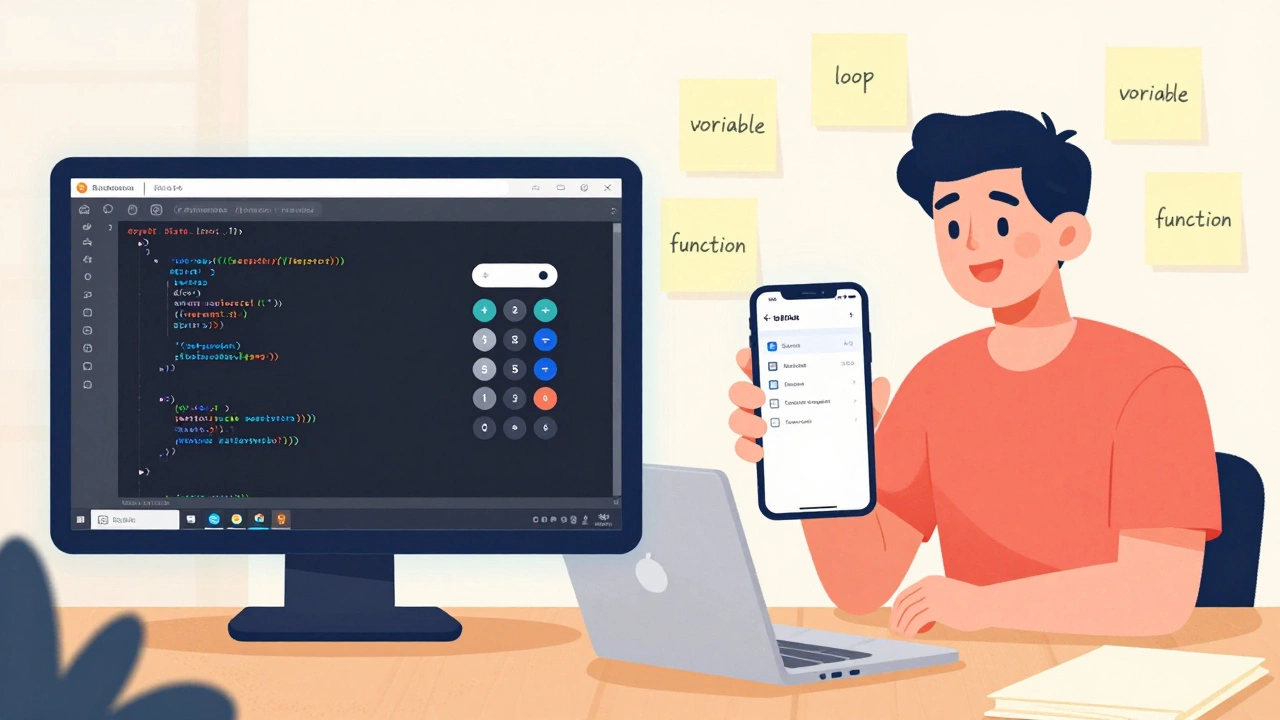
Build something real-even if it’s small
After a week or two, stop following tutorials. Try to build something you care about:
- A weather checker that shows today’s forecast.
- A quiz game about your favorite movie.
- A page that lists your top 5 books with ratings.
It doesn’t have to be perfect. It doesn’t even have to work fully. The goal is to connect what you’re learning to something meaningful. That’s what keeps you going when it gets hard.
When you finish, share it. Post it on GitHub (it’s free) or send it to a friend. Getting feedback-even just a “cool!”-makes you feel like a real coder.
Join a community
Coding alone is lonely. And lonely people quit.
Find a group:
- Reddit’s r/learnpython or r/learnprogramming
- Discord servers for beginners
- Local meetups (check Meetup.com)
Ask questions. Even dumb ones. Everyone started somewhere. You’ll get answers, tips, and sometimes just encouragement. That’s worth more than any tutorial.
Expect frustration-and keep going
You will get stuck. A lot. Error messages will look like nonsense. Your code won’t run. You’ll feel like giving up.
That’s normal.
The difference between people who quit and people who succeed isn’t talent. It’s persistence. When you hit a wall:
- Read the error message carefully. It often tells you exactly what’s wrong.
- Search the exact error online. Stack Overflow has answers for almost every problem.
- Take a walk. Come back in 10 minutes. The solution often appears when you stop staring.
Every expert coder has spent hours debugging the same line of code. You’re not failing. You’re learning.
Track your progress
It’s easy to feel like you’re not improving. But coding is like weightlifting-you don’t see changes day to day.
Keep a simple log:
- Day 1: Wrote my first “Hello World”
- Day 5: Built a number guessing game
- Day 12: Made a webpage that displays my favorite songs
Looking back at this list in a month will shock you. You’ll realize how far you’ve come.
Don’t rush to job-ready
Some sites promise you’ll get a job in 30 days. That’s misleading. You can learn enough to land an entry-level job in 6-12 months-but only if you build real projects, solve real problems, and practice consistently.
Focus on learning, not hiring. If you build 5 solid projects by the end of 6 months, jobs will come. If you chase the job first, you’ll burn out.
What to do next
Now that you’ve started:
- Code for at least 20 minutes every day. Even if you’re tired.
- Finish one small project this week.
- Join one online community and ask one question.
That’s it. No need for a plan. No need for a degree. Just start. And keep going.
Do I need a computer science degree to start coding?
No. Most people who start coding today don’t have a degree. Employers care more about what you can build than what’s on your diploma. Free resources and real projects are enough to prove your skills.
How long does it take to learn coding as a beginner?
You can write your first working program in under an hour. To feel confident enough to apply for jobs, most people need 6-12 months of consistent practice-about 10-15 hours per week. It’s not about speed. It’s about showing up every day.
What if I’m not good at math?
You don’t need advanced math. Basic arithmetic and logic are enough for 95% of coding work. You’ll learn the math you need as you go. Coding is about problem-solving, not calculations.
Should I learn HTML and CSS before Python?
Only if you want to build websites. HTML and CSS are for design and structure. Python is for logic and automation. If you’re unsure, start with Python. You can learn HTML/CSS later when you need them.
Can I learn coding on my phone?
You can practice simple code on your phone using apps like SoloLearn or Pydroid. But for serious learning, a laptop is better. Typing on a small screen slows you down. Save phone coding for quick practice, not deep learning.
If you’ve read this far, you’re already ahead of 90% of people who said they’d start coding someday. Now go write your first line.