Programming Language Starter Calculator
Find your perfect first language
Based on your goals and experience, we'll recommend the best starting point using evidence from the latest developer trends (2025)
Want to learn to code but don’t know where to begin? You’re not alone. Every year, millions of people start this journey-some with a goal to switch careers, others just to build their first app or website. The problem isn’t motivation. It’s choice. There are dozens of programming languages out there, each with its own hype, community, and use case. But not all are made for someone holding a keyboard for the first time.
Python is still the best starting point
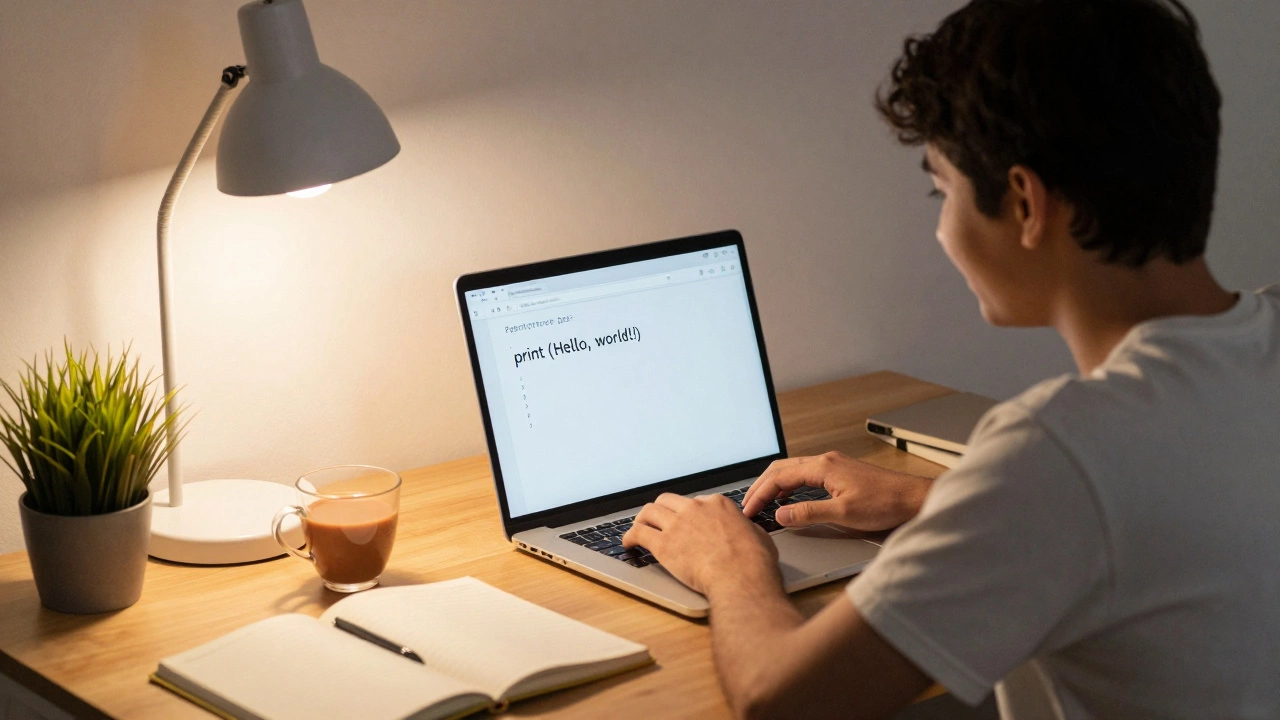
If you’re asking which code to learn first, the answer in 2025 is still Python. It’s not because it’s trendy. It’s because it’s readable, forgiving, and powerful. You write print("Hello, world!") and you’re already coding. No semicolons, no complex syntax rules, no boilerplate. You focus on thinking, not typing.
Python runs on everything: websites, apps, data analysis tools, even smart fridges. It’s used by NASA, Instagram, and Netflix. And for beginners, that means you can build real things fast. Want to scrape weather data? Python does it. Want to automate your spreadsheet? Done. Want to train a simple AI model to recognize cat photos? With libraries like TensorFlow and scikit-learn, you can do that in under 50 lines of code.
Studies from GitHub’s 2024 Octoverse report show Python is the most popular language among new developers-used by over 60% of beginners. Why? Because it reduces frustration. When you’re learning, every error feels like a wall. Python’s error messages are clear. It tells you exactly what went wrong and where. That’s huge when you’re just starting out.
What about JavaScript?
JavaScript is the language of the web. If you want to build websites that move, click, and respond, JavaScript is the only choice. But here’s the catch: you need to understand HTML and CSS first. That’s three things to learn before you even write your first function. For someone starting from zero, that’s a lot of setup.
Still, JavaScript has its place. If your goal is to become a front-end developer-someone who makes websites look and feel good-then JavaScript is your next step after HTML and CSS. But if you’re unsure what kind of developer you want to be, Python gives you breathing room. You can explore web dev, data, automation, or even game scripting without switching languages.
Java and C#? Too heavy for day one
Java and C# are powerful, used in enterprise apps, Android development, and big systems. But they’re not beginner-friendly. Java requires you to write classes, methods, and access modifiers before you can print anything. You’ll spend hours setting up environments and debugging build errors that have nothing to do with coding logic.
C# is similar. It’s great if you’re targeting Windows apps or Xbox games, but the learning curve is steep. The syntax is strict, the tools are complex, and the community support for beginners is less welcoming than Python’s. Save these for later-after you’ve built confidence with a simpler language.
Why not Ruby, Go, or Rust?
Ruby was once the darling of beginners thanks to Rails, but its popularity has dropped. Go is fast and clean, but it’s built for backend systems, not learning. Rust is powerful and safe-but it’s designed for performance-critical systems like operating systems and browsers. It’s not meant to be your first language. In fact, many developers say Rust is better as a second or third language, after you’ve already grasped programming fundamentals.
These languages have their strengths, but they’re not for your first day. They’re like learning to drive a race car before you’ve mastered parking.

What can you actually build with Python in the first month?
Here’s what’s realistic if you spend just 30 minutes a day for four weeks:
- Week 1: Write a calculator that adds, subtracts, multiplies, and divides.
- Week 2: Build a to-do list app that saves tasks to a file.
- Week 3: Create a simple quiz game that asks random questions and scores your answers.
- Week 4: Automate renaming 100 photo files in a folder so they’re sorted by date.
These aren’t theoretical projects. These are real tasks people do every day. And you’ll have built them yourself-no copy-pasting, no tutorials holding your hand. That’s the power of starting with Python.
What if you want to work in data or AI?
Python dominates data science and machine learning. Libraries like Pandas, NumPy, and Matplotlib let you analyze spreadsheets, visualize trends, and train models without needing a PhD. If you’re interested in finance, marketing analytics, healthcare data, or even sports stats, Python gives you the tools to explore it all.
Companies aren’t just hiring data scientists-they’re hiring marketers, HR staff, and operations managers who can write a script to clean up messy data. Knowing Python opens doors you didn’t even know existed.
What if you want to build websites or apps?
Python can do that too. With Django or Flask, you can build full-stack web apps-server, database, and front-end-all in Python. You don’t need to jump to JavaScript right away. Many developers start with Python for the backend, then learn JavaScript later when they need interactive features.
And if you’re into mobile apps? Python can help with frameworks like Kivy or BeeWare. Not as popular as Swift or Kotlin, but enough to prototype and test ideas before committing to a harder language.
How to start learning Python
You don’t need to pay for a course. You don’t need a degree. You just need:
- A free account on python.org to download Python 3.12.
- A simple code editor like Visual Studio Code (free).
- A free platform like Codecademy, freeCodeCamp, or Real Python for guided lessons.
Start with the official Python tutorial. It’s short, clear, and written for people who’ve never typed a line of code. Do the exercises. Break things on purpose. Then fix them. That’s how you learn.

Common mistakes beginners make
Don’t do these:
- Switching languages every week because "this one looks easier." Stick with Python for at least 3 months.
- Trying to learn 10 things at once. Focus on variables, loops, functions, and lists first. Everything else comes later.
- Waiting until you "feel ready." You’ll never feel ready. Start now, even if you only understand 30% of what you’re reading.
- Comparing yourself to developers who’ve been coding for 5 years. They didn’t start knowing everything.
What comes after Python?
Once you’re comfortable with Python-meaning you can write a script to solve a problem without Googling every line-you’ll know which direction to go:
- Web development? Learn HTML, CSS, then JavaScript and a framework like React or Django.
- Data or AI? Dive into Pandas, SQL, and machine learning libraries.
- Automation? Learn APIs, web scraping with BeautifulSoup, and task schedulers.
- Mobile apps? Explore Kivy or learn Swift/Kotlin later.
Python doesn’t lock you in. It gives you a foundation. From there, you choose your path based on what excites you-not what’s trending.
Final advice: Start simple, stay consistent
The best coder isn’t the one who learned the fastest. It’s the one who kept going when it got hard. You don’t need to be a genius. You just need to show up. Code a little every day. Even 15 minutes. Make mistakes. Fix them. Celebrate small wins.
Python is your first step. Not the finish line. But it’s the one that gets you off the ground.
Is Python really the best language for absolute beginners?
Yes. Python’s syntax is close to plain English, which reduces cognitive load. It doesn’t force you to learn memory management, complex syntax rules, or compiler setups before writing useful code. Studies from Code.org and GitHub show Python has the highest success rate among beginners-more people finish their first project with Python than any other language.
Can I learn Python without any math background?
Absolutely. Basic arithmetic is enough to start. You don’t need calculus, statistics, or algebra to write your first script. Even in data science, you’ll learn the math as you go. Most beginner projects-like automating files or building a quiz-require nothing more than addition and logic.
How long does it take to get good at Python?
You can write your first working program in under an hour. To feel confident solving real problems? About 3 to 6 months of consistent practice-30 minutes a day, 5 days a week. That’s 75 to 150 hours total. Not enough to become an expert, but enough to land an internship, automate your job, or build a side project.
Do I need a computer science degree to learn coding?
No. Most successful developers today are self-taught. Employers care more about what you can build than what degree you hold. GitHub portfolios, personal projects, and problem-solving skills matter far more than a diploma. Python is the language that makes this possible for beginners.
What if I start with Python but later want to code for mobile apps?
That’s fine. Python teaches you core programming concepts-variables, loops, functions, data structures-that apply to every language. Once you understand those, switching to Swift (for iOS) or Kotlin (for Android) becomes much easier. You’re not starting over. You’re building on a solid foundation.
Are there free resources to learn Python?
Yes. FreeCodeCamp, Codecademy’s free tier, Real Python’s beginner tutorials, and the official Python documentation are all excellent. YouTube channels like Corey Schafer and CS Dojo offer high-quality, free video lessons. You don’t need to spend money to get started.
Next steps
Download Python today. Open your editor. Type print("Hello, I’m learning to code."). Hit run. That’s your first line of code. Now, tomorrow, do it again. And the day after that. Progress isn’t loud. It’s quiet. It’s consistent. And it starts with one line.