
School LMS Platform Selector
Evaluate Your School's Needs
Recommended Platform
Platform Name
Summary goes here.
Pros for You:
Considerations:
It’s a common misconception that every school uses Google Classroom, which is a free web service developed by Google to help educators create, distribute, and grade assignments in a paperless way. While it dominates the K-12 landscape in many regions, you’ll notice a significant number of schools-especially private institutions, international schools, and certain public districts-opting out. They aren’t ignoring technology; they are making a calculated choice based on data privacy, pedagogical control, and long-term sustainability.
If you’re an educator or administrator wondering why your district hasn’t adopted this seemingly seamless tool, you’re not alone. The decision often comes down to three critical factors: who owns the student data, how much control teachers have over the learning environment, and whether the platform integrates with existing legacy systems. Let’s break down the real reasons behind this trend.
The Data Privacy Elephant in the Room
The biggest reason schools avoid Google Classroom is data sovereignty. When you use a free consumer-grade service, you are often the product. Even though Google offers Google Workspace for Education, which is a suite of cloud-based tools designed specifically for educational institutions with enhanced security features, concerns remain about how student data is processed, stored, and potentially used for advertising purposes on other Google properties.
In regions with strict privacy laws like the GDPR in Europe or FERPA in the United States, schools must ensure that third-party vendors comply with rigorous standards. Some districts find that Google’s terms of service, while improved for education, still leave too much ambiguity regarding data mining for AI training or cross-service analytics. For example, if a student uses Gmail, Drive, and Classroom simultaneously, the metadata generated can paint a detailed picture of their academic habits. Schools prioritizing zero-knowledge encryption or on-premise solutions often reject cloud-first models entirely.
- Data Ownership: Who controls the intellectual property created within the platform?
- Third-Party Access: Does Google share insights with advertisers or partners?
- Retention Policies: How long is student data kept after graduation?
Lack of Pedagogical Flexibility
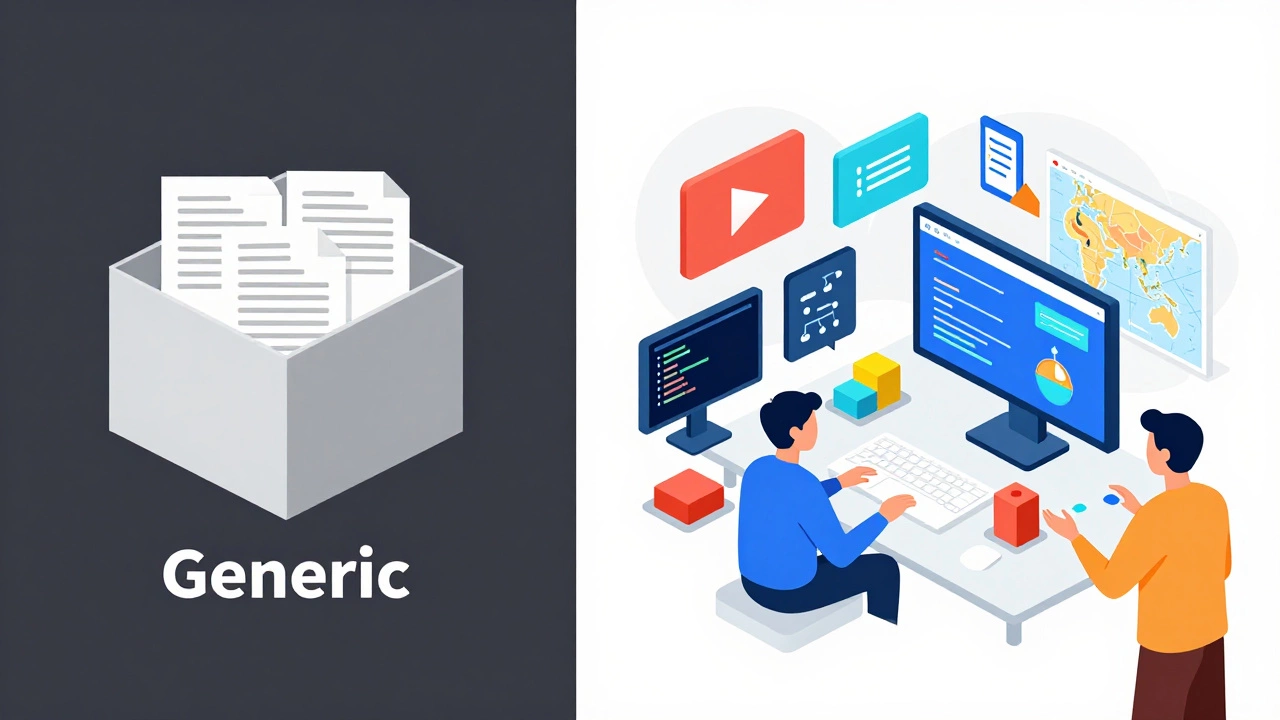
Teachers need more than just a digital dropbox for assignments. Many educators feel that Google Classroom is too rigid. It was built around the document-centric workflow of Google Docs and Slides. If your curriculum relies heavily on video content, interactive simulations, or complex multimedia projects, Classroom feels like a square peg in a round hole.
Unlike dedicated Learning Management Systems (LMS) such as Moodle, which is an open-source learning platform that allows educators to create online sites consisting of courses made up of various resources, Google Classroom lacks advanced grading rubrics, customizable reporting, and deep integration with specialized educational tools. A history teacher might want to embed primary source documents with annotation capabilities, while a science teacher needs lab report templates with formula support. Classroom forces everyone into the same generic box.
This rigidity frustrates instructors who want to differentiate instruction. Without native support for adaptive learning paths or competency-based tracking, teachers end up using workarounds-like linking to external sites-which breaks the user experience and increases cognitive load for students.
Integration Challenges with Legacy Systems
Schools don’t operate in a vacuum. Most districts already invest heavily in Student Information Systems (SIS) like PowerSchool, Infinite Campus, or Skyward. These systems handle attendance, grades, demographics, and billing. For an LMS to be effective, it must sync seamlessly with the SIS.
While Google Classroom does offer SIS connectors, they are often clunky and require ongoing maintenance. In contrast, enterprise-grade LMS platforms are built to integrate natively with these databases. When a teacher updates a grade in Moodle or Canvas, it flows directly to the SIS without manual intervention. With Classroom, discrepancies can occur, leading to administrative headaches at report card time.
| Feature | Google Classroom | Moodle | Canvas |
|---|---|---|---|
| SIS Sync | Basic, requires setup | Advanced, plugin-based | Native, real-time |
| Gradebook Complexity | Simple | Highly customizable | Robust, weighted categories |
| API Access | Limited | Full open API | Extensive API |
Vendor Lock-In and Long-Term Costs
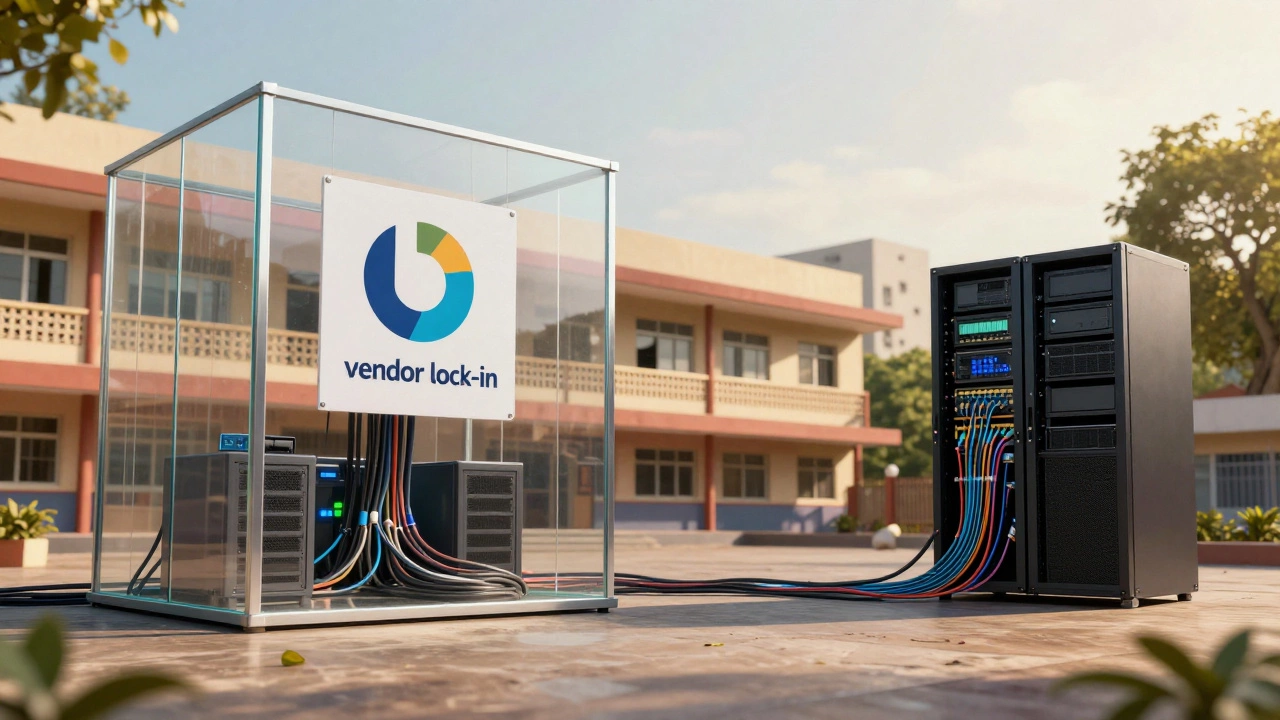
“Free” is rarely free in the enterprise world. While Google Classroom itself costs nothing, the ecosystem around it encourages dependency. Schools that start with Classroom often find themselves migrating all their files to Google Drive, all their communications to Gmail, and all their collaboration to Docs. This creates vendor lock-in.
If a school decides to switch away from Google later, migrating terabytes of structured educational content is a nightmare. Files lose formatting, links break, and permissions get scrambled. Open-source alternatives like Moodle allow schools to host their own servers, giving them full control over their data and infrastructure. They can choose to pay for hosting or keep it internal, avoiding the risk of sudden price hikes or policy changes from a tech giant.
Additionally, some schools prefer paid solutions because they come with dedicated customer support. When Classroom goes down during a major assignment deadline, there’s no phone number to call. Enterprise LMS providers offer Service Level Agreements (SLAs) guaranteeing uptime and rapid response times, which is crucial for mission-critical operations.
Better Alternatives Exist for Specific Needs
Different schools have different priorities. Here’s why specific types of institutions choose alternatives:
- International Schools: Often use Blackboard or Schoology due to global compliance requirements and multi-language support.
- STEM-Focused Schools: Prefer platforms with strong coding environments and simulation integrations, such as Edmodo or custom-built solutions.
- Privacy-Conscious Districts: Opt for self-hosted Moodle instances to keep data on local servers.
- Higher Education: Typically use Canvas or Blackboard for their robust research and publication tools.
How to Choose the Right Platform for Your School
If you’re evaluating options, ask these questions:
- Does the platform comply with our region’s data privacy laws?
- Can it integrate with our current SIS without custom coding?
- Do teachers have enough flexibility to design diverse lessons?
- Is there reliable technical support available during school hours?
- What is the total cost of ownership, including training and migration?
Don’t just pick the most popular option. Pick the one that aligns with your educational philosophy and operational reality.
Is Google Classroom safe for students?
Yes, when used through Google Workspace for Education, it meets high security standards. However, schools concerned about data mining or advertising should review the specific terms of service and consider stricter privacy-focused alternatives like Moodle.
Why do some schools prefer Moodle over Google Classroom?
Moodle offers greater customization, open-source flexibility, and data sovereignty. Schools can host it themselves, ensuring complete control over student data and avoiding vendor lock-in associated with Google’s ecosystem.
Can Google Classroom integrate with other apps?
Yes, but its integration capabilities are limited compared to enterprise LMS platforms. It works best with other Google services. For deep integration with third-party educational tools, schools often find Canvas or Schoology more compatible.
Is Google Classroom free for schools?
The core features are free via Google Workspace for Education Fundamentals. However, advanced management, storage, and security features require paid tiers, which can add up for large districts.
What are the best alternatives to Google Classroom?
Top alternatives include Moodle (for open-source flexibility), Canvas (for higher education and robust features), Schoology (for social learning), and Blackboard (for established institutional support). Each caters to different needs regarding privacy, integration, and pedagogy.